11 Best AI Product Photography Tools in 2026 (Tested & Compared)
A hands-on comparison of the 11 AI product photography tools that actually matter in 2026 - what they cost, what they're good at, and which one fits your store.
AI product photography tools have gone from novelty to necessity in under two years. If you sell anything online in 2026 - Shopify, Amazon, Etsy, your own site - you've probably already encountered the question: do I still need to book a studio, or can AI handle this? The short answer is: for 80% of product catalog work, AI is now faster, cheaper, and often better. The longer answer is: which tool you pick matters a lot, because they're not all built for the same job.
We spent three weeks testing 11 AI product photography tools - uploading the same product photos to each, generating the same backdrop styles, and comparing the output for realism, speed, pricing, and ease of use. This guide walks through what we found, who each tool is best for, and where KromaSet (which we make) fits into the landscape. Yes, that's a bias - we'll be transparent about it throughout.
What is AI product photography, actually?
AI product photography is the process of using a machine learning model to generate studio-quality product images from a single uploaded photo. Instead of booking a photographer, renting a studio, setting up lighting, and shooting dozens of angles, you upload one photo of your product, pick a backdrop style (luxury marble, clean studio, lifestyle scene, seasonal set), and the AI composites your product into that scene with realistic lighting, shadows, and reflections.
Under the hood, most of these tools use a combination of subject isolation (removing the background from your product photo), depth estimation (so the AI knows how to place the product in 3D space), and image generation (typically a diffusion model like Stable Diffusion or a proprietary variant). The best ones add a neural staging layer that maps reflections and shadow directions to the new environment - which is why some tools produce images that look 'pasted on' while others look like a real photograph.
Key takeaway
AI product photography is not the same as AI image generation. The difference: AI image generation creates whatever you describe. AI product photography preserves your actual product (exact label, shape, color, material) and only generates the environment around it. This distinction matters enormously for ecommerce, where the product has to match what shows up at the customer's door.
The 11 tools we tested
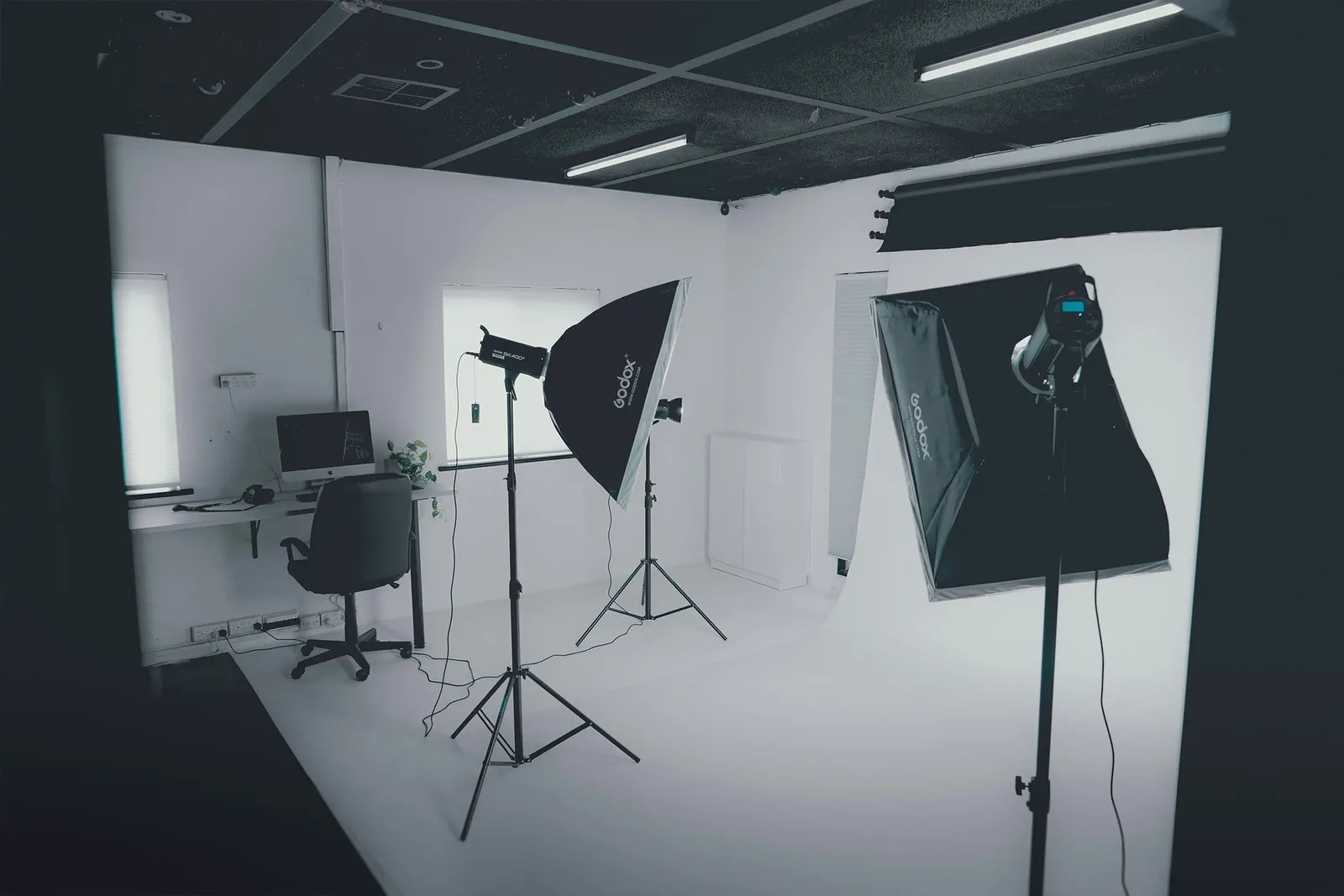
Here's the full list of tools we included in this comparison, in alphabetical order. We tested each with the same three product photos: a skincare serum bottle, a coffee can, and a pair of earrings. For each tool, we generated at least 10 variants and rated them on realism, product fidelity (how closely the output matched the original product), speed, and cost per image.
| Tool | Best for | Starting price | Platform |
|---|---|---|---|
| KromaSet | iOS-first ad creative generation | Free (in-app purchases) | iPhone, iPad |
| Pebblely | Quick background swaps | Free tier, paid plans | Web |
| Flair.ai | Drag-and-drop compositions | Free trial, paid plans | Web |
| Photoroom | Background removal + AI backgrounds | Free tier, Pro from $9.99/mo | Web, iOS, Android |
| Claid.ai | Batch catalog enhancement | From $9/mo | Web, API |
| CreatorKit | Video + image ads | From $39/mo | Web |
| Mida.so | Free AI product photos | Free tier + paid | Web |
| Mintly | DTC ad creative | From $29/mo | Web |
| Pixelcut | AI backgrounds + resize | Free + Pro plans | iOS, Android, Web |
| Booth.ai | High-end custom scenes | Custom pricing | Web |
| Canva AI Photos | Existing Canva users | Included in Canva Pro | Web, mobile |
Note: pricing changes frequently and most tools offer multiple tiers. We've listed the starting pricing structure at time of writing (July 2026) - always verify current pricing on each tool's website before committing.
Detailed breakdown: the top 5
1. KromaSet - Best for iOS-first ad creative generation
KromaSet (full disclosure: we make this one) is the only tool on this list that's built as a native iOS app rather than a web app. That matters because it means you can shoot a product photo on your iPhone and generate ad creatives from it in the same session, without ever touching a desktop. The workflow is: upload product photo → pick a backdrop style → the app generates 3 editable prompt variations → you refine the prompt → the app sends it to the AI image generator → you get a production-ready ad.
Where KromaSet differs from the web-based tools is in the prompt-editing step. Most AI product photography tools are 'pick a theme and hope' - you choose 'luxury marble' and get whatever the model produces. KromaSet shows you the actual prompt it's using and lets you edit it before generating. This means you can specify exact headline text, brand colors to preserve, camera angles, and lighting moods. For performance marketers who need to test dozens of creative variants with different copy, this is the difference between 'I got an image' and 'I got a shipping ad creative.'
- Strengths: Native iOS, editable prompts, built-in copywriting, watermark-free exports
- Weaknesses: iOS only (no Android or web), smaller backdrop library than Pebblely
- Best for: Performance marketers, DTC founders, dropshippers who want to ship creatives from their phone
2. Pebblely - Best for quick, friendly background swaps
Pebblely is probably the most approachable AI product photography tool on the market. You upload a product photo, pick from a library of themed backgrounds (studio, nature, urban, seasonal), and you get back a handful of images. It's fast, the interface is clean, and the output quality is consistently good for straightforward catalog shots. If you're a small Shopify seller who just needs clean product photos on different backgrounds and doesn't want to think about prompts, Pebblely is a solid choice.
The limitation is that you can't edit the prompt or control the composition in detail. You get what the theme gives you. For catalogs where consistency matters more than creative control, that's fine. For ad creative where you need specific headlines, specific camera angles, or specific model poses, you'll hit a wall.
3. Flair.ai - Best for drag-and-drop compositions
Flair.ai is the tool to pick if you want to build a composition yourself rather than picking a preset. Their editor lets you drag your product onto a canvas, add props, position elements, and generate the scene around your layout. This gives you more control than Pebblely but requires more time per image. It's a good fit for brands that have a specific visual identity and want to maintain it across all their product imagery.
4. Photoroom - Best for background removal + AI backgrounds
Photoroom started as a background removal tool and added AI backgrounds on top. The background removal is still the best in the business - fast, accurate, even on tricky edges like hair and fur. The AI background generation is solid but not as polished as Pebblely or Flair for complex scenes. If your workflow involves a lot of background removal (say, supplier photos that need cleaning up), Photoroom is worth it for that feature alone.
5. Mida.so - Best free tier
Mida.so offers a genuinely useful free tier - you can generate a limited number of product photos per month without paying, and the quality is competitive with paid tools. The backdrop library is smaller and the resolution caps lower on the free plan, but for a seller just starting out or testing the waters, it's the lowest-risk way to try AI product photography.
How to choose the right tool for your store
After testing all 11, here's our honest decision framework:
- 1If you're an iPhone user who wants to generate ad creatives on the go → KromaSet (free to try)
- 2If you want the simplest possible background swap for a Shopify catalog → Pebblely
- 3If you want to build custom compositions with drag-and-drop control → Flair.ai
- 4If you do a lot of background removal and want AI backgrounds too → Photoroom
- 5If you want to try AI product photography for free → Mida.so
- 6If you need batch processing for thousands of catalog images → Claid.ai
- 7If you need video ads, not just images → CreatorKit
What about quality? Can AI really replace a studio?
For catalog imagery (white background, clean product shot, maybe a simple prop or two) - yes, AI has effectively replaced studios for most small and mid-sized sellers. The cost difference is enormous: a studio shoot for 20 products can run $2,000–$5,000, while AI tools produce the same 20 images for under $50 and in minutes instead of weeks.
For hero campaign creative - the big-budget ad you put on your homepage or run as a featured Meta ad - a studio still wins for now. AI tools struggle with complex multi-product scenes, unusual materials (translucent glass, chrome, fur), and anything that requires a human model interacting with the product in a specific way. But that gap is closing fast, and tools like KromaSet are specifically built to handle the 'product + model + headline' ad creative use case that used to require a full shoot.
Pro tip
The best results come from combining approaches. Use AI for your catalog (fast, cheap, consistent) and a real photographer for your hero brand campaign (highest quality, full creative control). Most sellers don't need a photographer for every product - they need one for the campaign that defines their brand.
The bottom line
AI product photography is not a fad - it's the new default for ecommerce creative. The question isn't whether to use it, but which tool fits your workflow. If you're on iPhone and want to generate ad creatives (not just catalog shots), try KromaSet free. If you want the simplest web-based background swap, Pebblely is the safe pick. If you want maximum control, Flair.ai. The tools are all good enough now that the decision comes down to workflow fit, not output quality.
References & Further Reading
- How to Take Product Photos with an iPhone (2026 Beginner's Guide)
Learn how to shoot the clean source photos that AI tools need as input.
- AI Background Generator for Product Photos: Complete 2026 Guide
Deep dive on how AI background generation works and which tools do it best.
- AI Ad Generators for Ecommerce: How They Work & Which to Use
How AI ad generators differ from AI product photography tools, and when to use each.
- Shopify Blog: AI Marketing Tools for Ecommerce
Shopify's own roundup of AI tools for ecommerce sellers, including ad creative generators.
- Photoroom Blog: Product Photography Tips
Photoroom's blog covers practical product photography techniques and AI tool comparisons.
Want to try AI product photography from your phone? KromaSet is free on the App Store - upload one product photo and generate your first ad creative in minutes.
Try it in KromaSet
Upload a product photo and generate your first ad creative in minutes. Free on iOS.