AI Ad Generators for Ecommerce: How They Work & Which to Use in 2026
AI ad generators can cut your creative production time from days to minutes. Here's how they work, what they actually produce, and which tool fits your store.
If you've run Facebook or TikTok ads for any length of time, you know the bottleneck isn't strategy or budget - it's creative. Performance marketing in 2026 demands testing dozens of ad variations per week, and most teams burn out their designer (or their own evenings) trying to keep up. AI ad generators exist to solve exactly this problem: turn one product photo and a rough idea into a shipping ad creative in minutes, not days.
But 'AI ad generator' is a broad category that covers everything from tools that produce rough mockups to tools that produce production-ready creatives with headlines, copy, and platform-specific sizing. This guide covers what these tools actually do, how they work under the hood, and how to pick the right one for your store - whether you're a solo dropshipper or running a DTC brand with a creative team.
What is an AI ad generator?
An AI ad generator is a tool that uses machine learning to produce advertising creative - typically images with overlaid marketing copy - from minimal input. The input is usually a product photo and some basic parameters (target platform, headline text, style preferences). The output is a finished ad creative that's ready to upload to Meta Ads Manager, TikTok Ads, or Google Ads.
This is different from AI image generators (like Midjourney or DALL-E) in two important ways. First, AI ad generators preserve your actual product - the exact label, shape, color, and material - rather than generating a new image from scratch. Second, they add ad-specific elements like headlines, taglines, call-to-action buttons, and platform-correct sizing. An AI image generator makes pictures; an AI ad generator makes ads.
How AI ad generators work (under the hood)
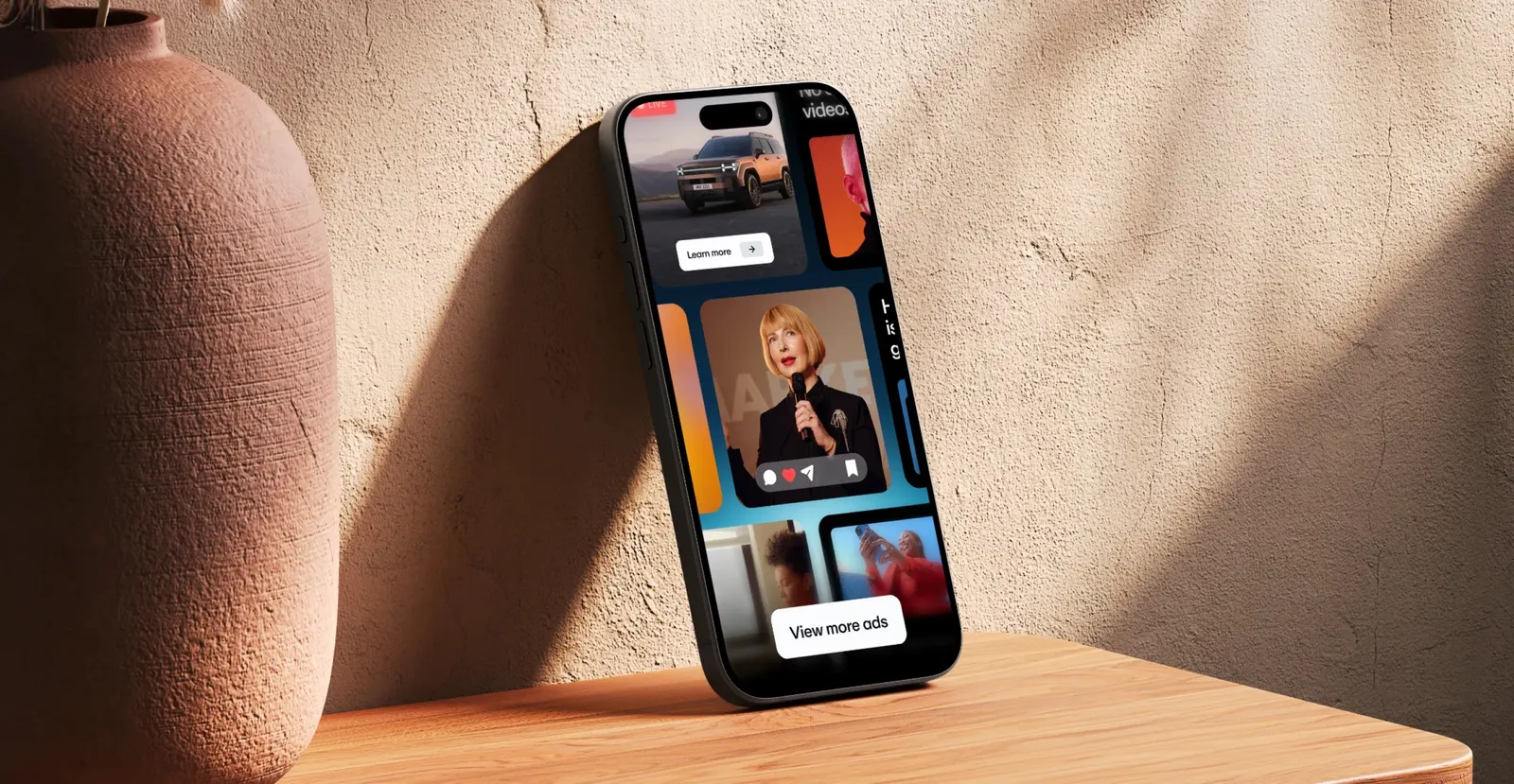
Most AI ad generators follow a similar pipeline, even if the specific models differ. Understanding this pipeline helps you evaluate tools and troubleshoot bad output:
- 1Subject isolation: The tool removes the background from your product photo, isolating the product itself. Quality varies wildly here - some tools struggle with translucent materials, hair-thin edges, or products that blend into their background.
- 2Depth and silhouette analysis: The tool analyzes your product's 3D shape so it knows how to place it in a new environment with correct perspective.
- 3Prompt generation: The tool generates a text prompt describing the scene it's about to create (e.g. 'skincare bottle on luxury marble with soft morning light'). This is where some tools let you edit and others don't.
- 4Image generation: A diffusion model (usually Stable Diffusion, SDXL, or a proprietary variant) generates the background scene while preserving your product.
- 5Compositing: Your product is blended into the generated scene with matching lighting, shadows, and reflections.
- 6Copywriting: A language model generates headline options and ad copy, which are overlaid on the image.
- 7Export: The final creative is exported at the correct size for your target platform (1:1 for Facebook feed, 9:16 for Stories, 4:5 for Instagram, etc.).
Why prompt editing matters
Tools that let you edit the generated prompt (like KromaSet) give you control over the final image. Tools that don't (most web-based tools) are 'pick a theme and hope.' For performance marketers who need specific headlines, camera angles, or model poses, prompt editing is the difference between a useful tool and a toy.
Types of AI ad generators
Not all AI ad generators are built for the same buyer. Here are the four main categories I see in 2026:
1. Performance creative platforms (enterprise)
Tools like AdCreative.ai and Omneky are built for brands spending $50k+/month on ads. They connect to your ad accounts, analyze what's performing, and generate creatives optimized for your specific audience. Pricing starts around $50/month and scales into the hundreds. Best if you have a dedicated performance marketing team and enough ad spend to justify the analytics layer.
2. DTC-focused ad generators (mid-market)
Tools like Mintly and CreatorKit are built for DTC brands and smaller agencies. They focus on producing ad creatives from product images quickly, with some light optimization. Pricing is typically $30–$100/month. Good fit for brands running $5k–$50k/month in ad spend who need to ship new creatives weekly.
3. Mobile-first ad generators (solo & small team)
Tools like KromaSet are built for the solo founder or small team who wants to generate ad creatives from their phone. The trade-off is less analytics and integration, but the upside is speed - you can shoot a product photo and generate an ad creative in the same session, without opening a laptop. Free to start, with premium subscription options available via in-app purchase.
4. Free / freemium tools (testing)
Tools like Canva's AI features and some web-based generators offer free tiers. Quality varies and watermarks are common. Fine for testing the concept, but you'll hit limits quickly if you're running real ad campaigns.
What can AI ad generators actually produce?
Here's what you can realistically expect from a good AI ad generator in 2026:
- Single-product ad creatives: A product placed in a styled scene with a headline overlaid. This is the bread and butter - most tools do this well.
- Lifestyle scenes with models: Some tools (including KromaSet) can place a human model interacting with your product. Quality is good but not perfect - hands and faces can look slightly off.
- Platform-specific sizing: 1:1 for Facebook feed, 4:5 for Instagram, 9:16 for Stories and TikTok, 16:9 for display. Good tools auto-resize; great tools re-compose for each ratio.
- Multiple variants from one upload: Upload one product photo, get 5–50 creative variants with different backdrops, headlines, and angles.
- Editable headlines and copy: Most tools generate headline options; some let you edit them before exporting.
What they struggle with: multi-product scenes (three products in one image), unusual materials (chrome, glass, fur), very specific brand guidelines (exact Pantone colors, specific font faces), and video. For video ads, you need a different category of tool entirely.
How to evaluate an AI ad generator
When comparing tools, these are the criteria that actually matter - in order of importance based on our testing:
| Criterion | Why it matters | What to look for |
|---|---|---|
| Product fidelity | If the output doesn't match your real product, it's useless | Does the exact label, shape, and color survive the generation? |
| Prompt control | Determines whether you can iterate or just accept what you get | Can you edit the prompt before generating? Can you specify headlines? |
| Speed | Performance marketing needs fast iteration | Under 60 seconds from upload to finished creative |
| Export quality | Pixelated ads get disapproved by platforms | At least 1080×1080 for square, 1080×1350 for portrait, no watermark on paid plans |
| Platform sizing | Different ad placements need different aspect ratios | Auto-resize for 1:1, 4:5, 9:16, 16:9 - ideally re-composed, not just cropped |
| Copywriting | Headlines make or break ad performance | Does it generate headline options? Can you edit them? |
| Pricing model | Per-image pricing adds up fast for testing | Flat monthly fee with generous or unlimited generation is better than per-image |
The workflow: from product photo to live ad
Here's the end-to-end workflow I recommend for using an AI ad generator as part of your performance marketing stack:
- 1Take a clean product photo (see our iPhone product photography guide for how - good input = good output).
- 2Upload the photo to your AI ad generator of choice.
- 3Generate 3–5 initial creatives with different backdrop styles to see which direction works.
- 4Pick the 1–2 best variants and iterate - try different headlines, angles, or color treatments.
- 5Export 4–8 final creatives at the sizes you need (1:1 for feed, 9:16 for Stories/TikTok).
- 6Upload to your ad platform and test. Run each creative for at least $20–$50 in spend before judging.
- 7Kill the losers, scale the winners, and repeat the process with a new product photo or backdrop style.
The whole cycle - from product photo to live ad - should take under an hour. If your current workflow takes longer than that, an AI ad generator will be a significant upgrade.
Common mistakes to avoid
- Using a bad source photo: AI can't fix a blurry, poorly-lit product photo. Garbage in, garbage out.
- Generating one creative and running it: The point is variant testing. Generate at least 4–8 per product.
- Ignoring platform specs: A 1:1 creative on TikTok (where 9:16 dominates) will underperform.
- Treating AI output as final: Always review for weird artifacts (extra fingers, distorted text, mismatched reflections) before shipping.
- Not testing against human-made creatives: AI should complement your designer, not replace them entirely. Run A/B tests between AI and human creatives to learn when each wins.
The bottom line
AI ad generators in 2026 are good enough to be a core part of any performance marketing workflow - not a novelty, not a replacement for human creativity, but a tool that makes your existing process 5–10x faster. If you're spending more than 2 hours per week creating ad creatives manually, an AI ad generator will pay for itself in the first month.
References & Further Reading
- Facebook & Instagram Ad Image Sizes: The Complete 2026 Reference
Every ad placement's image specs, so your AI-generated creatives ship without issues.
- 11 Best AI Product Photography Tools in 2026 (Tested & Compared)
AI product photography tools are the input layer for AI ad generators. Start here.
- AI Background Generator for Product Photos: Complete 2026 Guide
How AI background generation works under the hood, and why it matters for ad quality.
- Meta for Business: Ad Creative Best Practices
Meta's official guidance on image ad best practices, including aspect ratios and text-on-image rules.
- Shopify Blog: Facebook Ad Sizes and Specs
Shopify's complete reference for Facebook ad sizes, updated for 2026.
KromaSet is a free AI ad generator for iPhone and iPad - upload a product photo, generate editable prompt variations, and ship production-ready ad creatives in minutes. Try it on the App Store.
Try it in KromaSet
Upload a product photo and generate your first ad creative in minutes. Free on iOS.